
Lighting does more than provide visibility for office spaces; it defines how a space feels and functions throughout the day. Task lights and ambient lighting each play a distinct role in that experience. Together, they add depth, atmosphere, and versatility to any workstation.
However, blending these two types of lighting requires careful planning, since an imbalance between the layers can undermine the effect layered lighting is meant to create. A single glaring desk lamp or a dim overhead fixture can instantly undo the balance. Once designers understand how each layer works, they can use each fixture better and create workstations that support focused work while maintaining visual comfort.
Why Layered Lighting Matters for Office Spaces
Office activities shift throughout the day, moving from solo focus work to open discussions. A single overhead fixture may not provide the flexibility needed as those activities shift. Layering task and ambient lighting closes that gap, as each layer serves a different purpose.
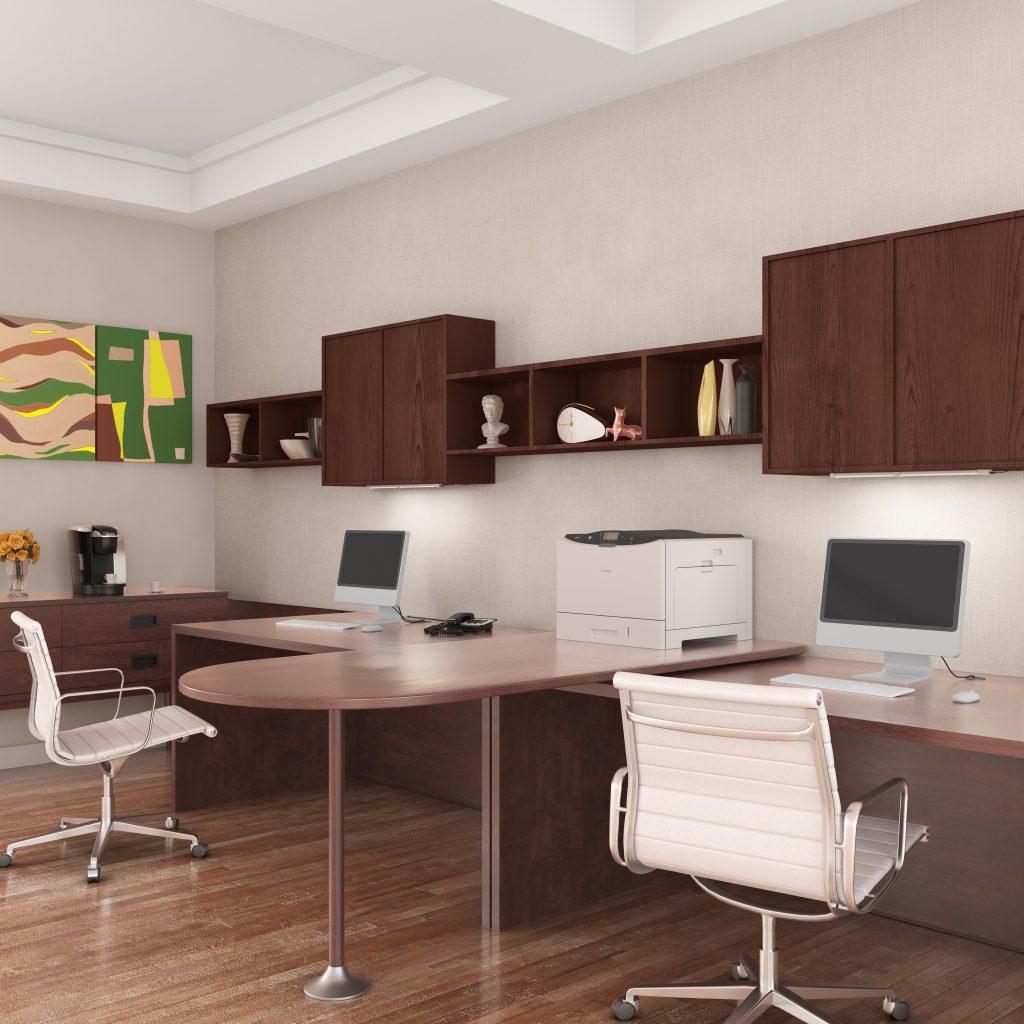
A few advantages explain why layering earns a spot early in the design process:
- Lowers overall brightness needs. Task lights handle close work directly, which can reduce the need for higher illumination across the entire room. Depending on the overall lighting design and controls, that approach may also help reduce energy use.
- Eases physical strain. Workers tend to lean toward a screen or lamp when they work under inadequate lighting conditions. Layered fixtures can help prevent that habit. In a controlled office study, concentration scores rose by 37% once lighting conditions improved.
- Cuts visual clutter. In some layouts, task lights can provide focused illumination at individual work areas without requiring additional overhead fixtures. That can help preserve a cleaner ceiling and support the overall visual design of the space.
- Defines zones without walls. Layered lighting can separate open-plan areas into distinct zones. This creates a sense of separation between work zones without requiring physical partitions.
- Protects the intended design. Uneven or poorly balanced light can make fabric and finish choices look off or distorted compared to how they were specified. Using complementary light sources can help designers maintain more consistent color and material appearance.
How Task Lights Work with Ambient Lights
Ambient lighting keeps a room comfortable overall, but it typically doesn’t provide enough illumination for close, detailed work. Reviewing a spec sheet or checking fine print calls for more direct light than a ceiling fixture. Task lights bring that precision to a workstation.
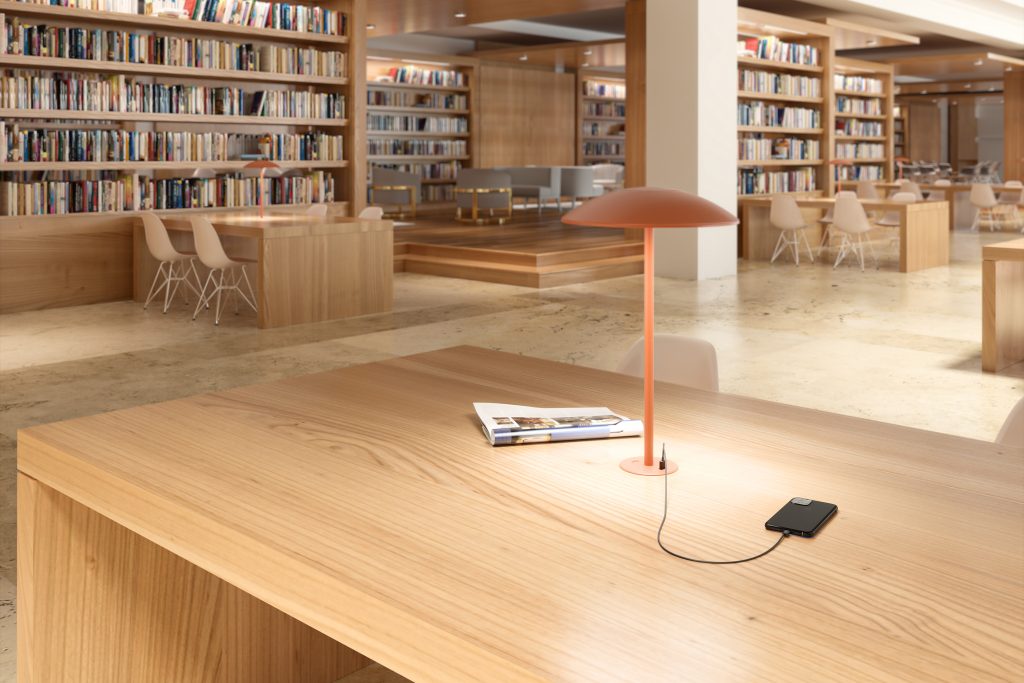
The following points outline how task lights complement ambient lighting, giving employees proper desk lighting while preserving the office design.
- Controls contrast. Task lights can help balance the brightness between a screen and the surrounding work surface. A more balanced field of view can make it easier to maintain visual comfort during close work.
- Adjusts color temperature. Pairing different color temperatures across task and ambient lighting gives designers more control over how a space feels. Neither layer has to compromise on its own purpose to achieve that balance.
- Balances light distribution. Ambient lighting fills the room broadly, while task lights concentrate output on a smaller surface. Together, the two can create a more balanced light distribution than either source could provide on its own.
- Supports different color rendering needs. Task lights can be specified with a higher color rendering index (CRI) when accurate color appearance is important for close work. This lets designers address color-rendering needs at the workstation without relying entirely on the ambient layer.
Task lights only perform these functions when desk lighting is specified alongside the workstation from the start. Achieving that integration means balancing exact placement against the ambient layer already in the room.
Light Placement Considerations: Getting the Layers Right
Task lights and ambient lighting can only complement each other when positioned deliberately. Even a well-specified fixture can still create problems if positioned poorly relative to a monitor, window, or other light sources. Placement determines whether contrast, glare control, and color balance work as intended.
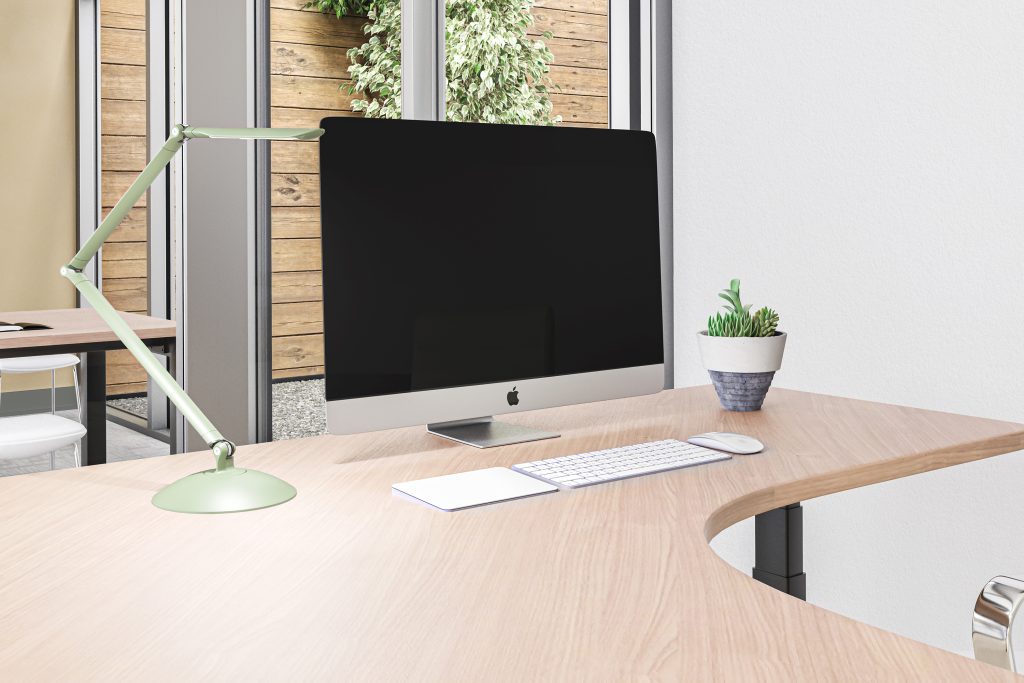
The considerations below outline what to consider when placing each layer at a workstation:
- Desk light position relative to the dominant hand. Mount or angle the fixture opposite the writing hand so shadows do not fall across paperwork or keyboards.
- Distance from the monitor. Position the light source outside the direct line of sight to the screen to minimize reflections that can make on-screen text and colors harder to see clearly.
- Mounting height relative to eye level. Position the light source below or behind the sightline, since poorly placed fixtures can create glare and visual discomfort when looking up.
- Compatibility with existing ambient fixtures. Check where ceiling fixtures already concentrate brightness before adding a task light, so no zone ends up extra-lit while another stays dim.
- Flexibility for changing furniture arrangements. Since desks shift as teams re-arrange a room, choose adaptable lighting fixtures that can be re-positioned without a full rewire.
All of these considerations come down to the same principle: placement decides whether task lights and ambient lighting work as one system. Getting that placement right turns two separate fixtures into a single, functioning layer of light.
Find the Right Office Lighting Solutions
Getting task lights and ambient lighting to work together takes more than good intentions; it takes the right fixtures. Every consideration covered here, from contrast to placement, depends on the quality of the equipment behind it.
At LightCorp, we design task lights and workspace accessories that help designers create a balanced, functional workstation. Our team supports designers through specification, placement, and fast lead times. Reach out to our team to build that balance into your next project.